 The bimonthly news publication for aviation professionals.
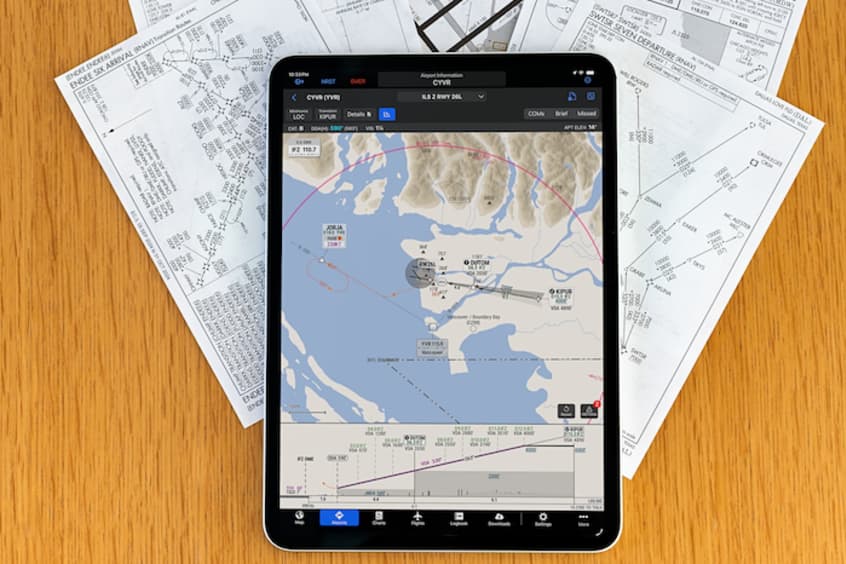
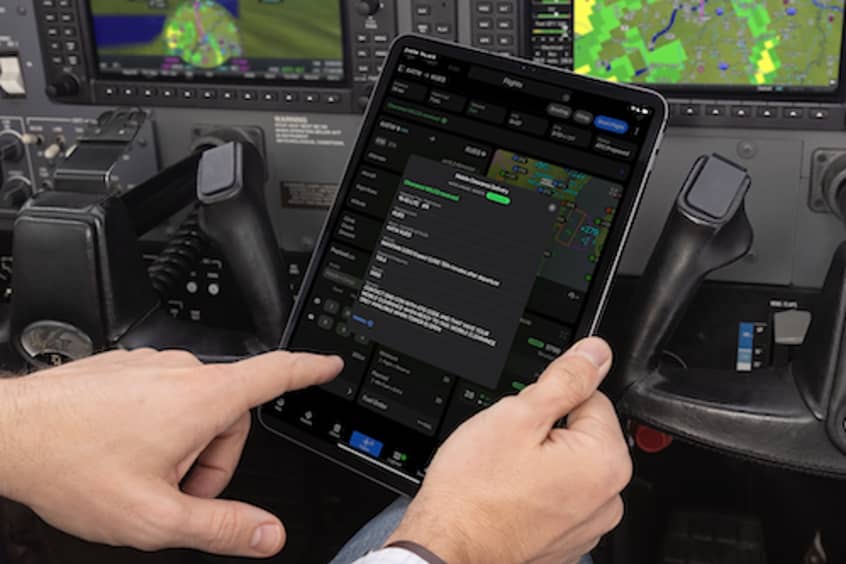
Garmin International has added new features within the Garmin Pilot app that incorporate professional IFR navigation tools found within Garmin avionics. Pilots can experience a near-seamless transition between Garmin avionics and the Garmin Pilot app when performing common functions such as loading and activating instrument approach procedures, departures and arrivals within the Americas. Additional features such as a visual procedure selector, custom holding patterns and more, give pilots convenient access to advanced tools all within a mobile app.
“Leveraging technologies found within Garmin avionics and flight decks, we're excited to bring this game-changing update to Garmin Pilot customers,” says vice president of aviation sales and marketing Carl Wolf. “This upgrade gives pilots the ability to load complex routes and procedures into the app just as they would within a Garmin integrated flight deck, offering added convenience, time savings and confidence when transitioning between multiple Garmin products in the cockpit.”
Within the upgrade, pilots have the option to load or activate departures, arrivals and instrument approach procedures. Published holds that are included as part of the missed approach are also added to the flight plan, as are any relevant published altitude constraints - these can be added manually too. Additionally, approach procedures with radius-to-fix (RF) legs can be activated within Garmin Pilot.
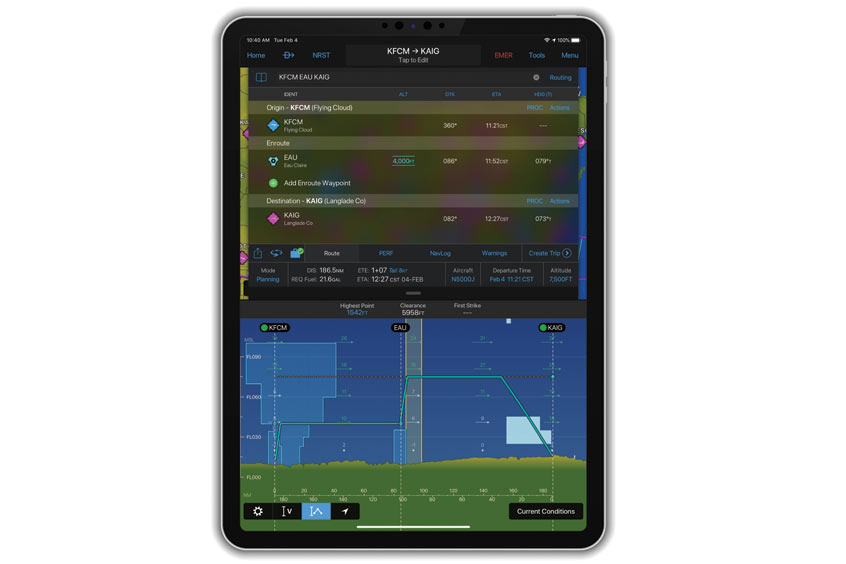
Using the vertical planning feature, pilots can more easily input and adhere to crossing restrictions, thus optimising their flight planning and fuel calculations.
Pilots can now more easily visualise departures, arrivals and instrument approach procedures prior to a flight using the visual procedure selector. They can simultaneously view departures, approaches or arrivals on a map alongside a flight plan so it's easier to visualise and select the most appropriate procedure based on a flight plan and intended direction of flight.
Pilots now have the flexibility to easily build customised holding patterns. These may be created over an existing fix or over a user-defined waypoint and then inserted into a flight plan, and may include an inbound or outbound course, left or right turns and leg length in time or distance. Unpublished holds, or those assigned by air traffic control, are easily created and displayed to simplify the process of visualising and flying a holding pattern.
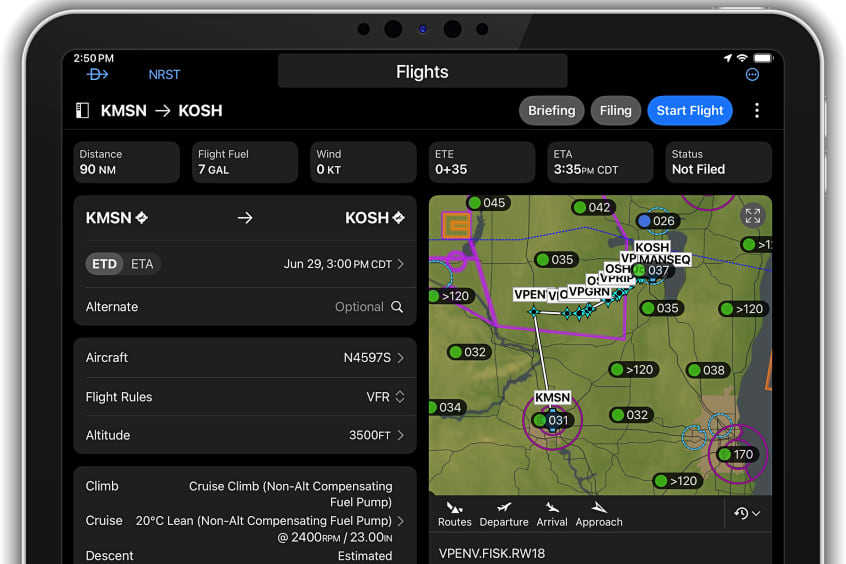
Route data packages, available worldwide, help to ensure pilots have downloaded all of the data required for a flight plan. Once a flight plan is entered, pilots can review the data that is downloaded to their mobile device. If information is missing, there is an option to download additional data. Databases that are included within the worldwide route data packages include navigation data, instrument approach procedures, SafeTaxi, terrain, obstacles and more.